We use first-party analytics to see which pages help people the most — no data is sold or shared with advertisers. See our Privacy Policy for details.
Turn any room into aLive conversation
AI-generated quizzes, live polls, word clouds and surveys — presented full-screen, answered from any phone, updating in real time. Built for teams, styled as your brand.
No credit card. Full access to polls, quizzes, word clouds and surveys, plus a fully editable demo.
Already have an account? Log in

Live poll
Everything your team needs to run a live session
Five core tools, one join code.
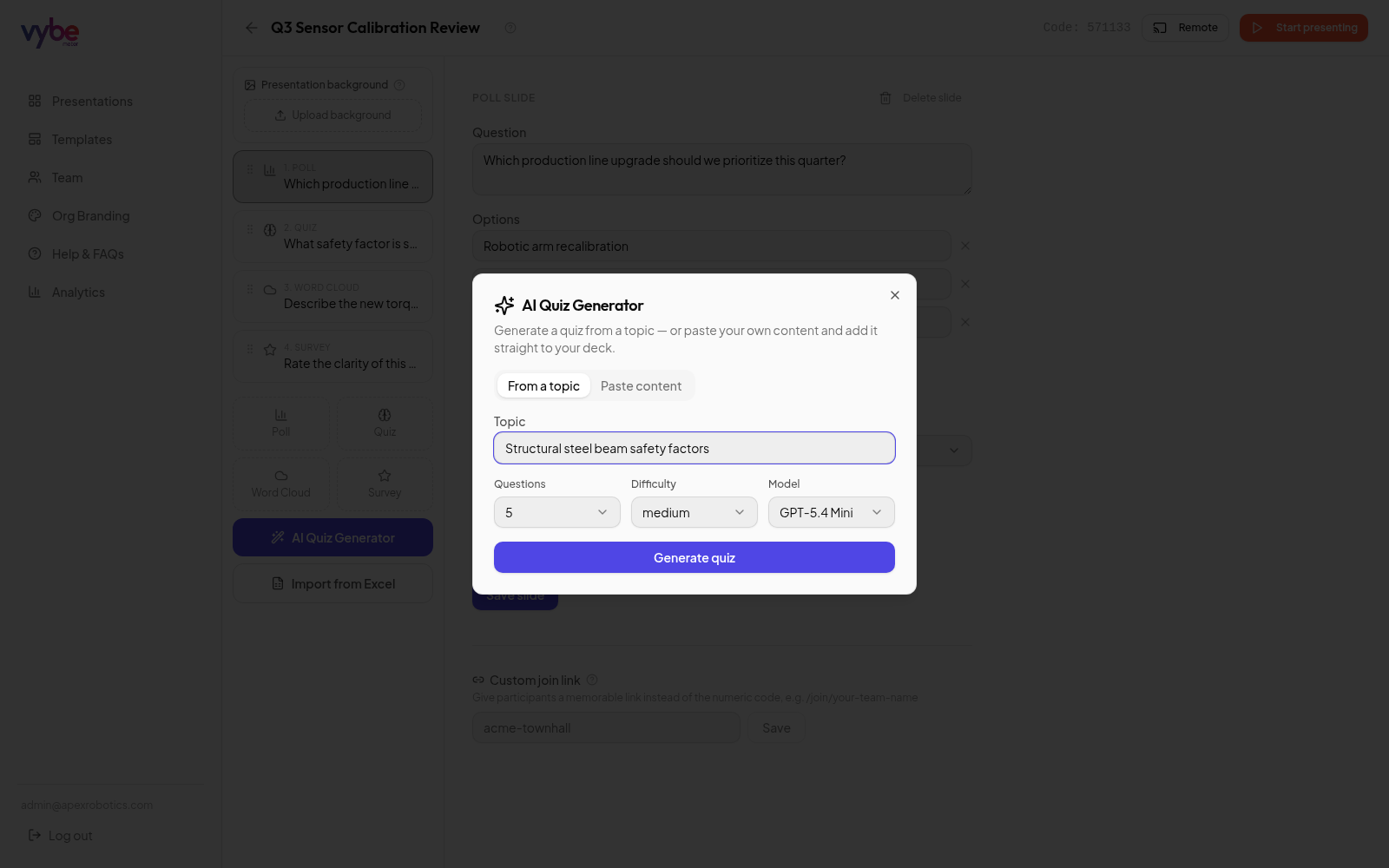
AI Quiz Generator
Type a topic, pick a difficulty, and get a full quiz with correct answers in seconds.
Live Polling
Bar charts update the instant a vote comes in — no refresh needed.
Word Cloud
Free-text answers grow into a living cloud, biggest words rise to the top.
Quiz
Timed multiple choice with a live leaderboard and reveal-the-answer suspense.
Survey
Star-rating surveys with instant averages and response histograms.
Media Slide
Play a video, photo, or YouTube/video link first — then reveal any poll, quiz or survey question right after.
Your Brand, Everywhere
Primary & accent colors, logo, and fonts apply across dashboard and audience screens.
Built for Teams & Orgs
Multi-tenant from day one — every organization gets its own workspace and look.
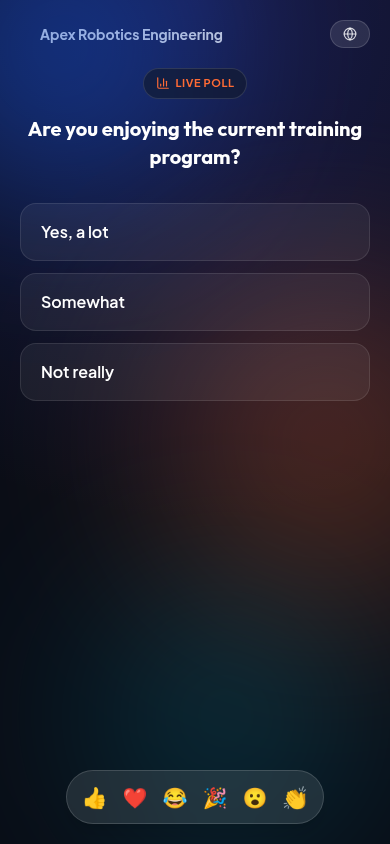
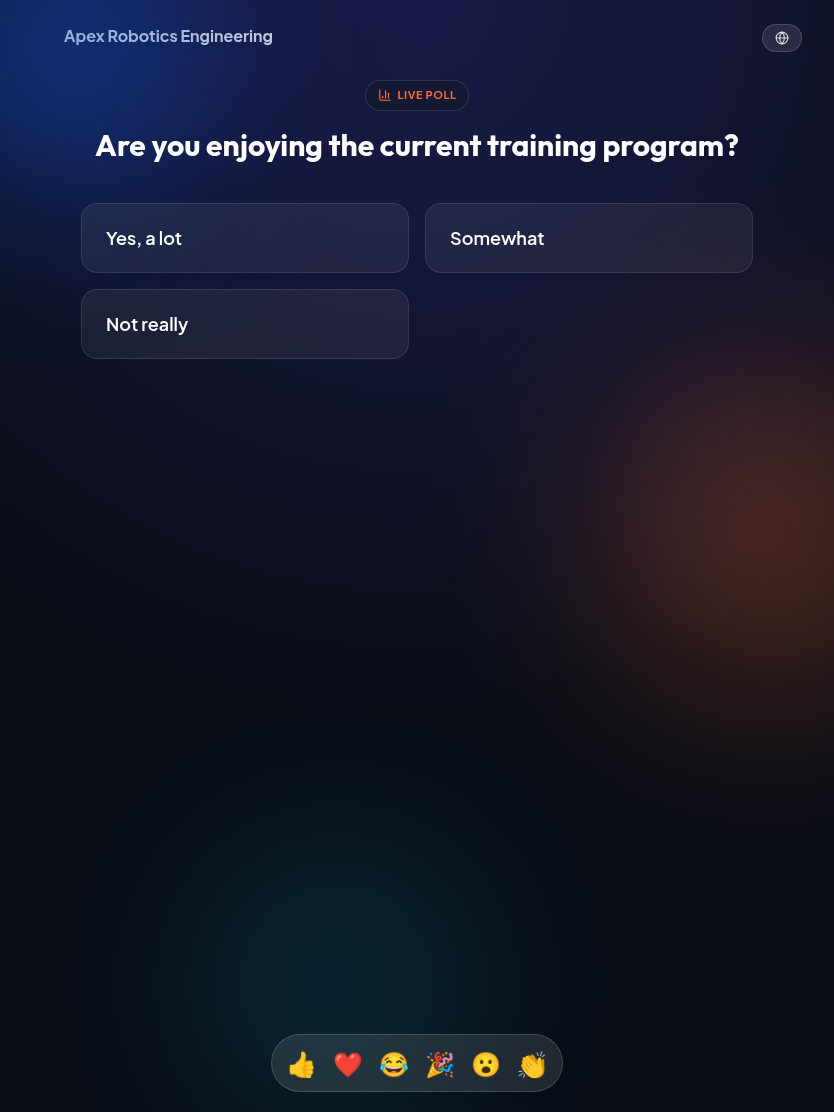
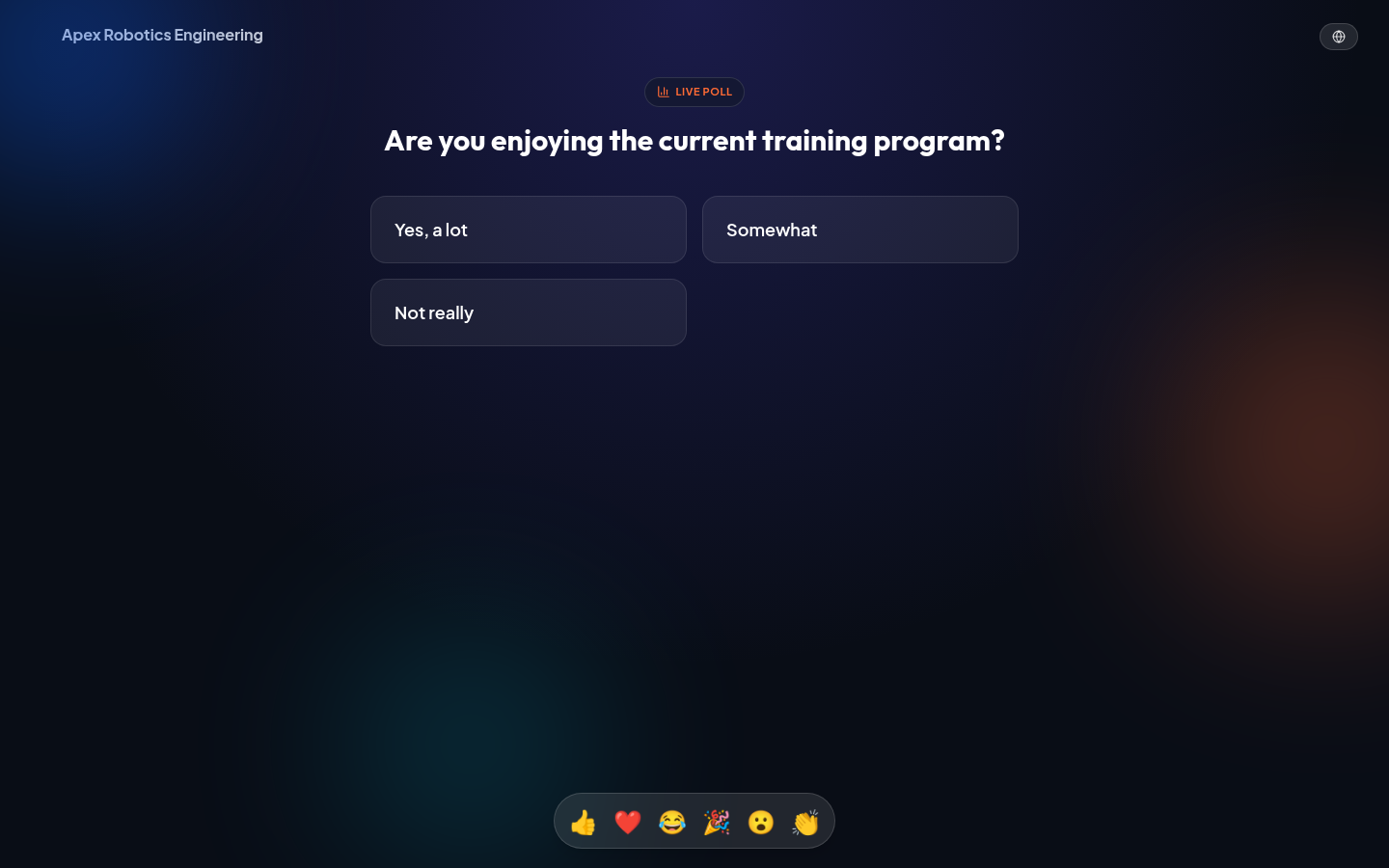
One code, every screen
Participants jump in from a phone, tablet, or laptop browser — same glowing live stage, your brand front and center, no app to install.
Every quiz & survey format, built in
Four specialized interactive formats designed for maximum room engagement and real-time clarity.
Live Bar Poll
Which feature should our engineering team prioritize for Q3?
Quiz & Competition
What is the default port for local FastAPI server backends?
Dynamic Word Cloud
In one word, how would you describe our new company culture?
Rating Survey
Rate this week's clinical rounds and shift handover process
New here? Follow the Step-by-Step Guide
From your first login to running a full Bible study session with AI-generated quizzes and illustrations — every feature explained simply, in order.
Seven chart styles for every poll & survey
Pick a chart type per slide — colorful, glowing, and switchable in one click from the editor. Live preview, updating as votes roll in.
Bar chart
Classic vertical columns for quick side-by-side comparisons.
Horizontal bar
Great for long option labels that need room to breathe.
Pie chart
See the full picture as clean proportional slices.
Donut chart
A modern ring layout with the total front and center.
Radar chart
Compare multiple options across a radial web at a glance.
Scatter / bubble
Bubble size reveals which answers pulled the most votes.
30%
Design
Speedometer / gauge
A single-metric needle sweep — perfect for Yes/No polls and average survey ratings.
Every voice, its own card
Ask an open question and every response lands live as its own card on a feedback wall — no averaging, no word clouds. Click any card to pop it out full-screen, then close it and pick another.
"What's one thing we should improve about our next team offsite?"
Click a cardSee VybeMeter in action
Explore the actual platform across workspace management, live editing, stage mode, analytics, and admin controls.
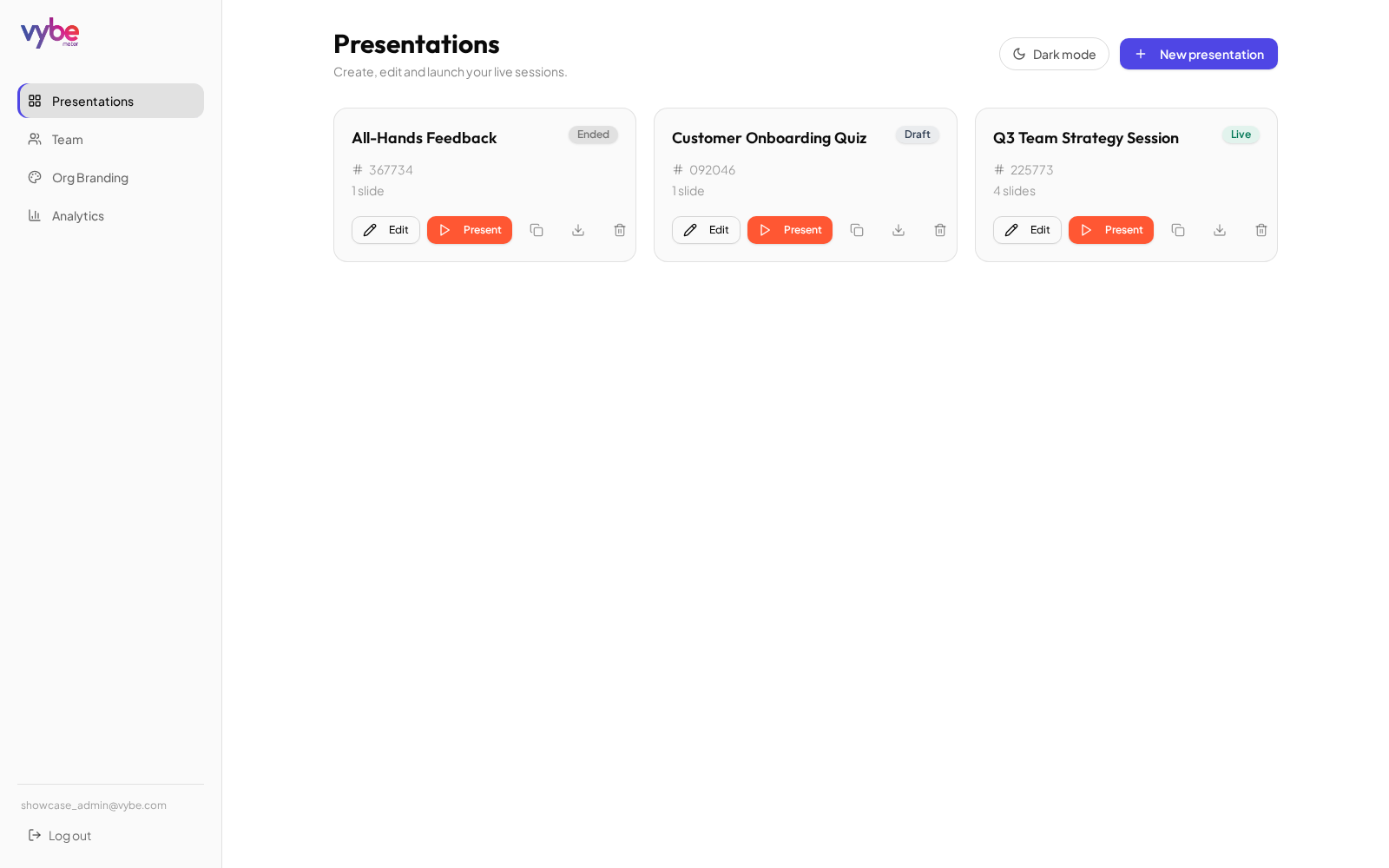
Dedicated Workspace & Folders
Every deck lives in your own org workspace — Apex Robotics Engineering organizes reviews into drag-and-drop folders, just like filing documents.
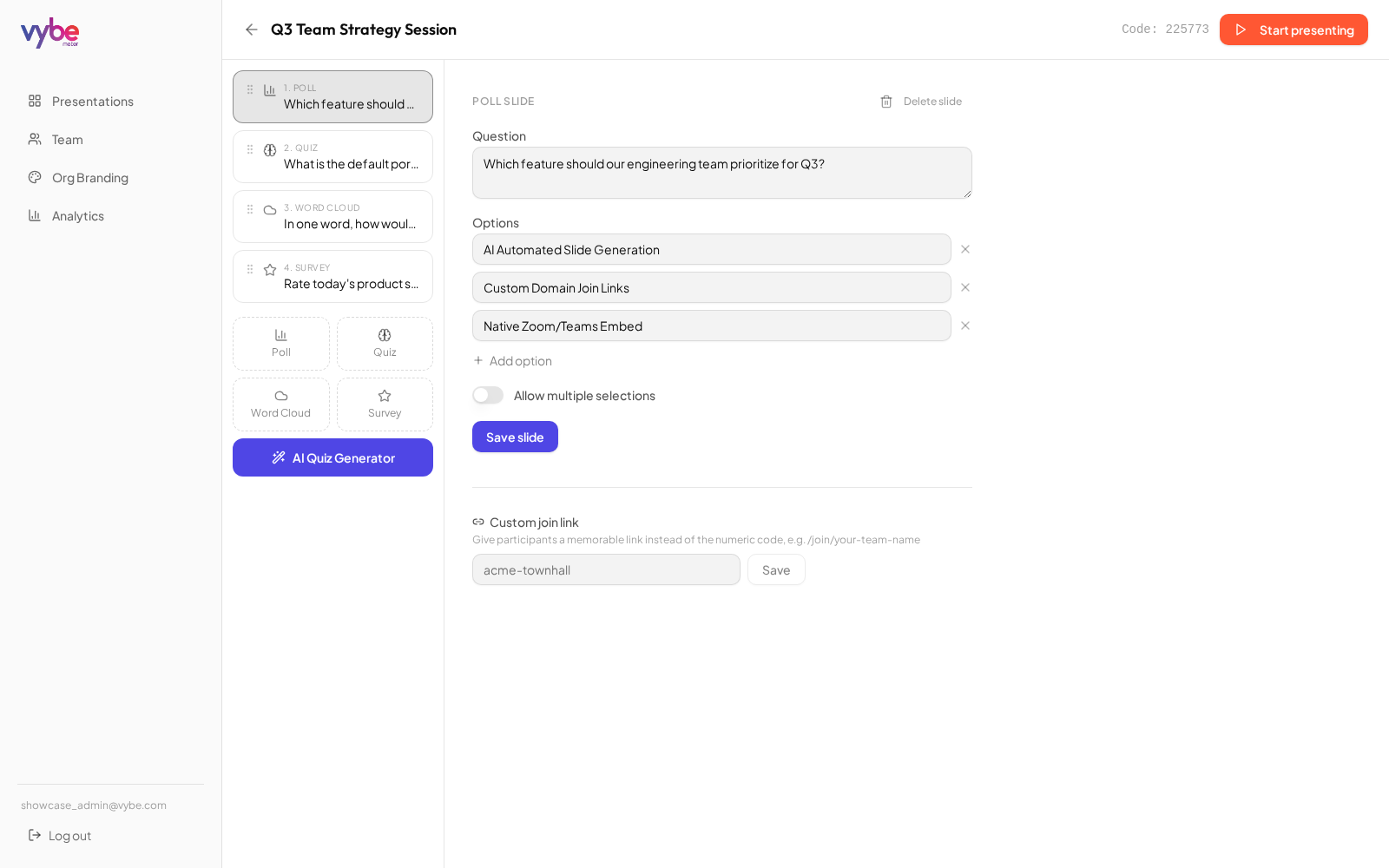
Interactive Slide Editor
Build polls, reorder questions with drag-and-drop, and configure timers & speed scoring.
Did you enjoy the training program today?
74%
Yes, a lot
21 responses
Cyber-Glass Live Stage
Glowing glass charts — including speedometer gauges — update the instant a vote comes in, presented full-screen for the whole room to see.
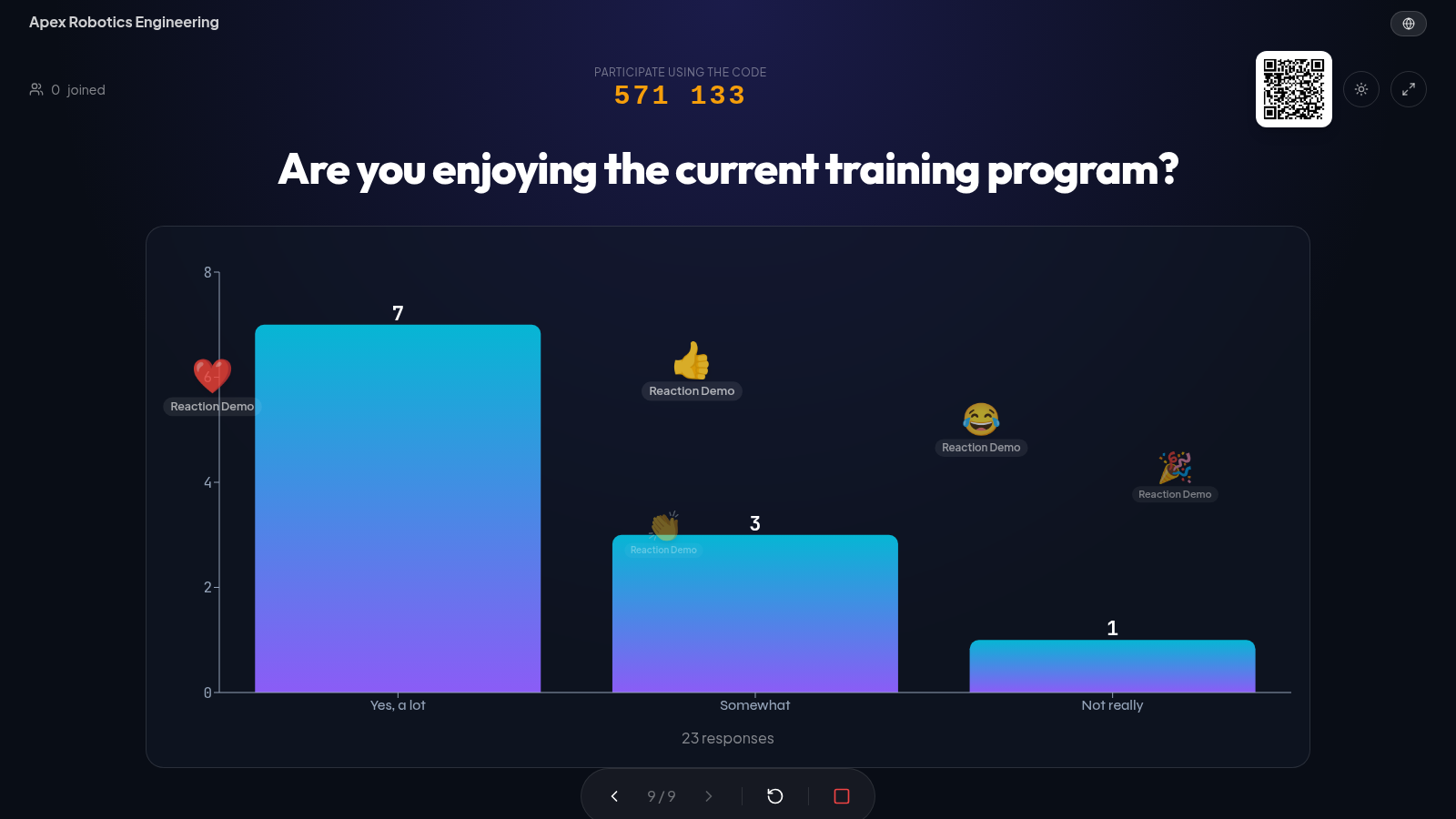
Live Emoji Reactions
Participants tap a reaction and it floats up across the big screen in real time — instant, wordless feedback that keeps every room energized.
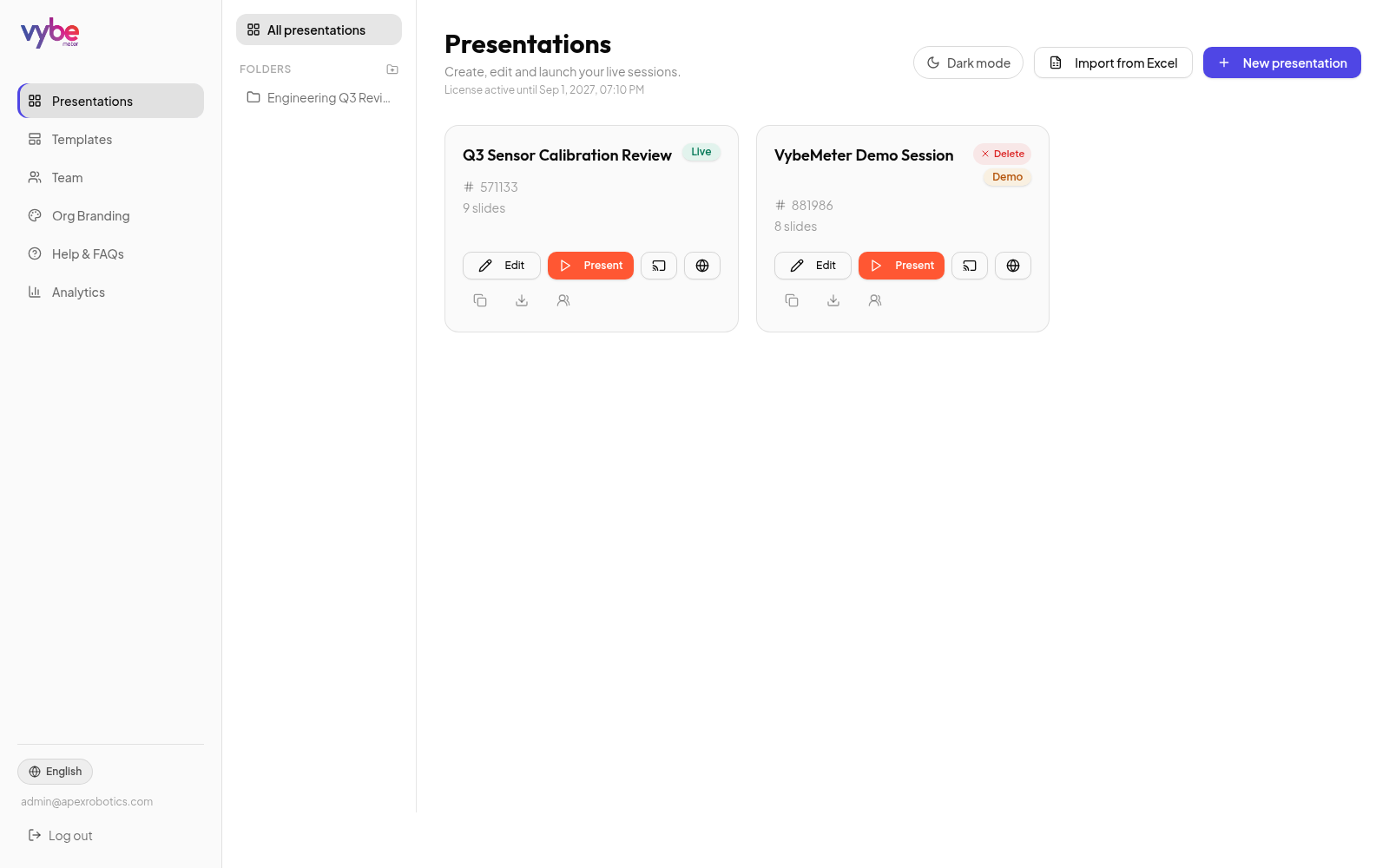
Editor & Viewer Sharing
Grant teammates Editor access to build slides, or Viewer access to present — owners and admins stay in control.
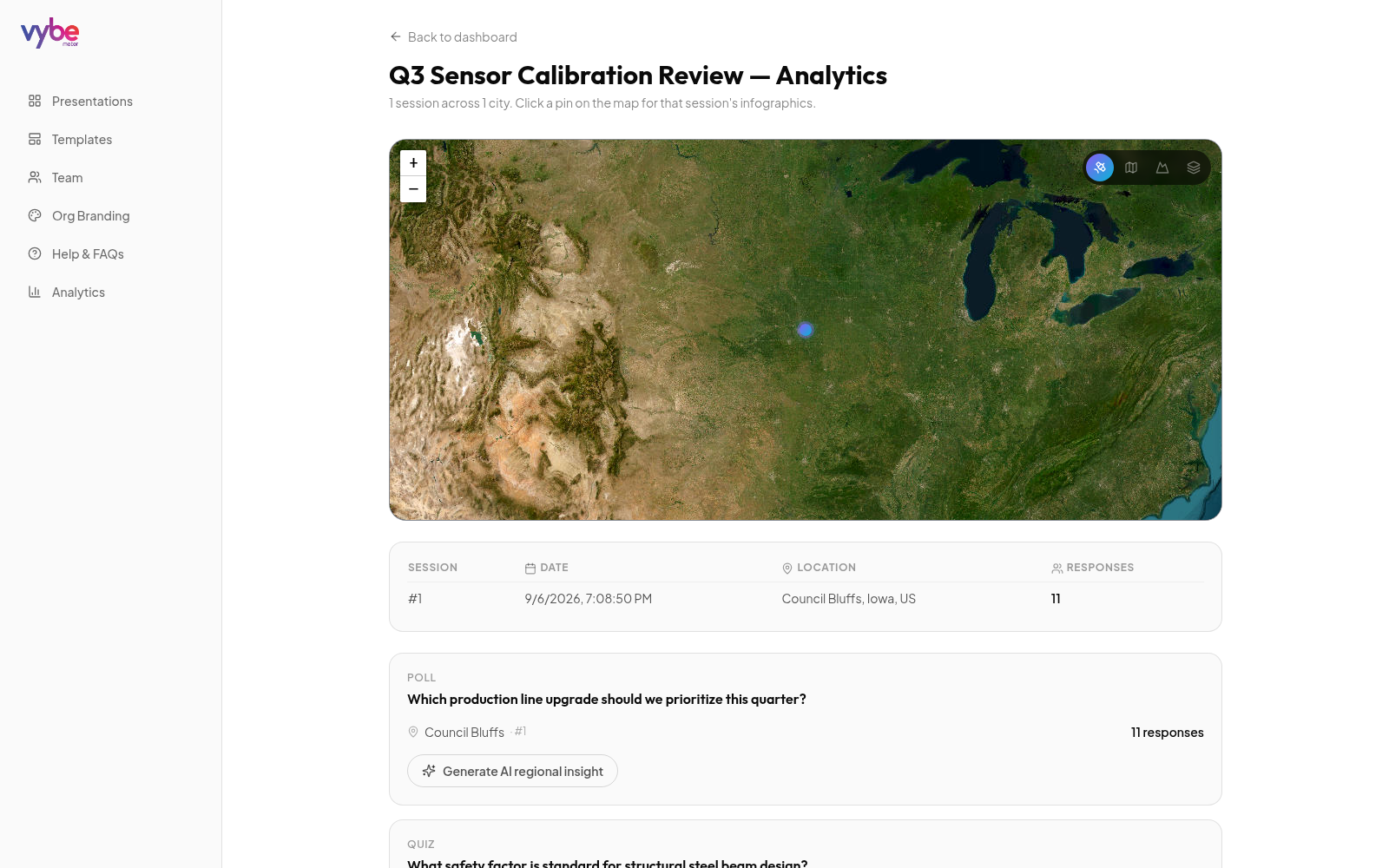
Regional Analytics Map
An auto-zooming map of every session by location — click a pin to drill down into that session's results.
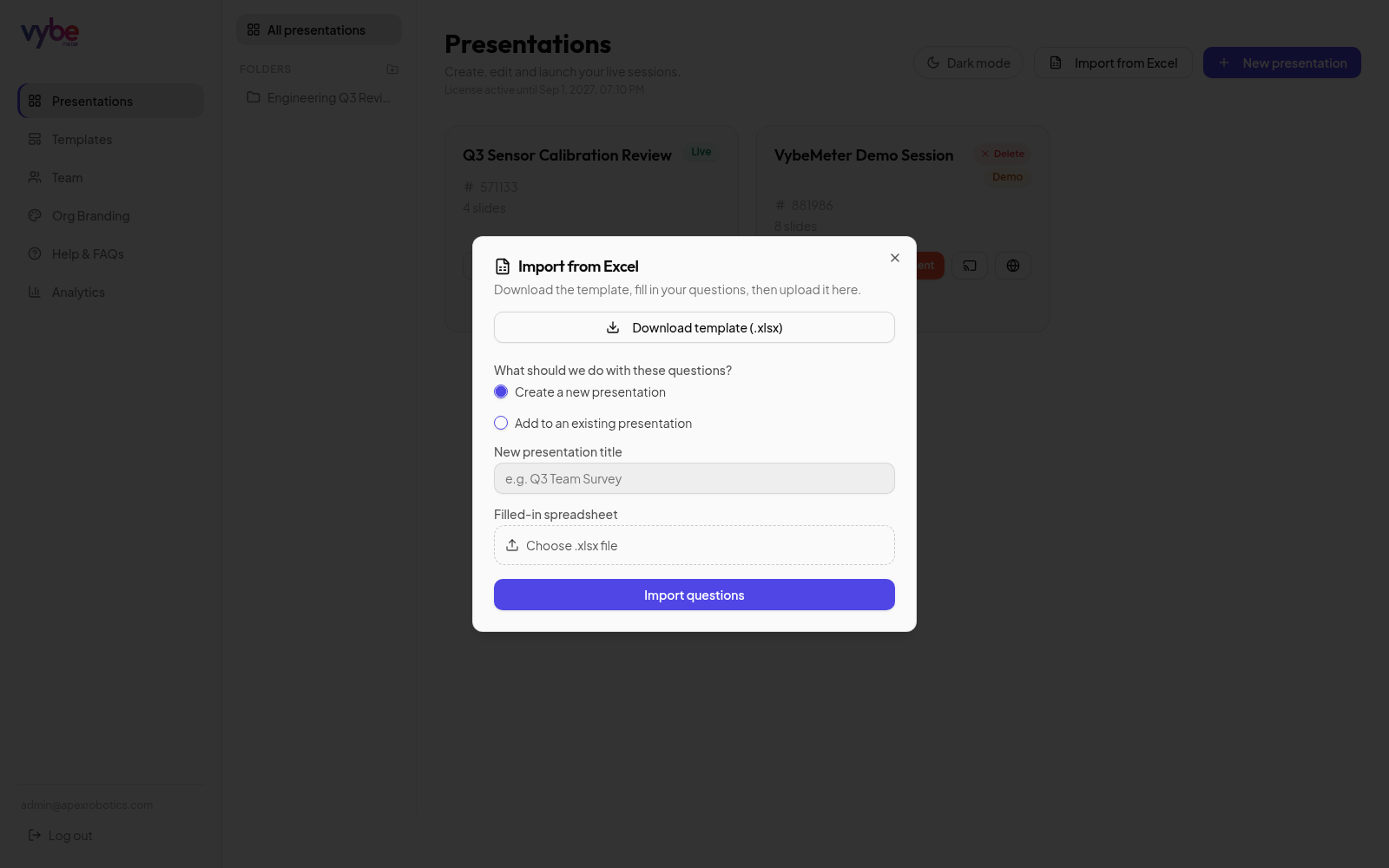
Bulk Import from Excel
Download a template, fill in questions with dropdown-guided options, and import an entire survey in one upload.
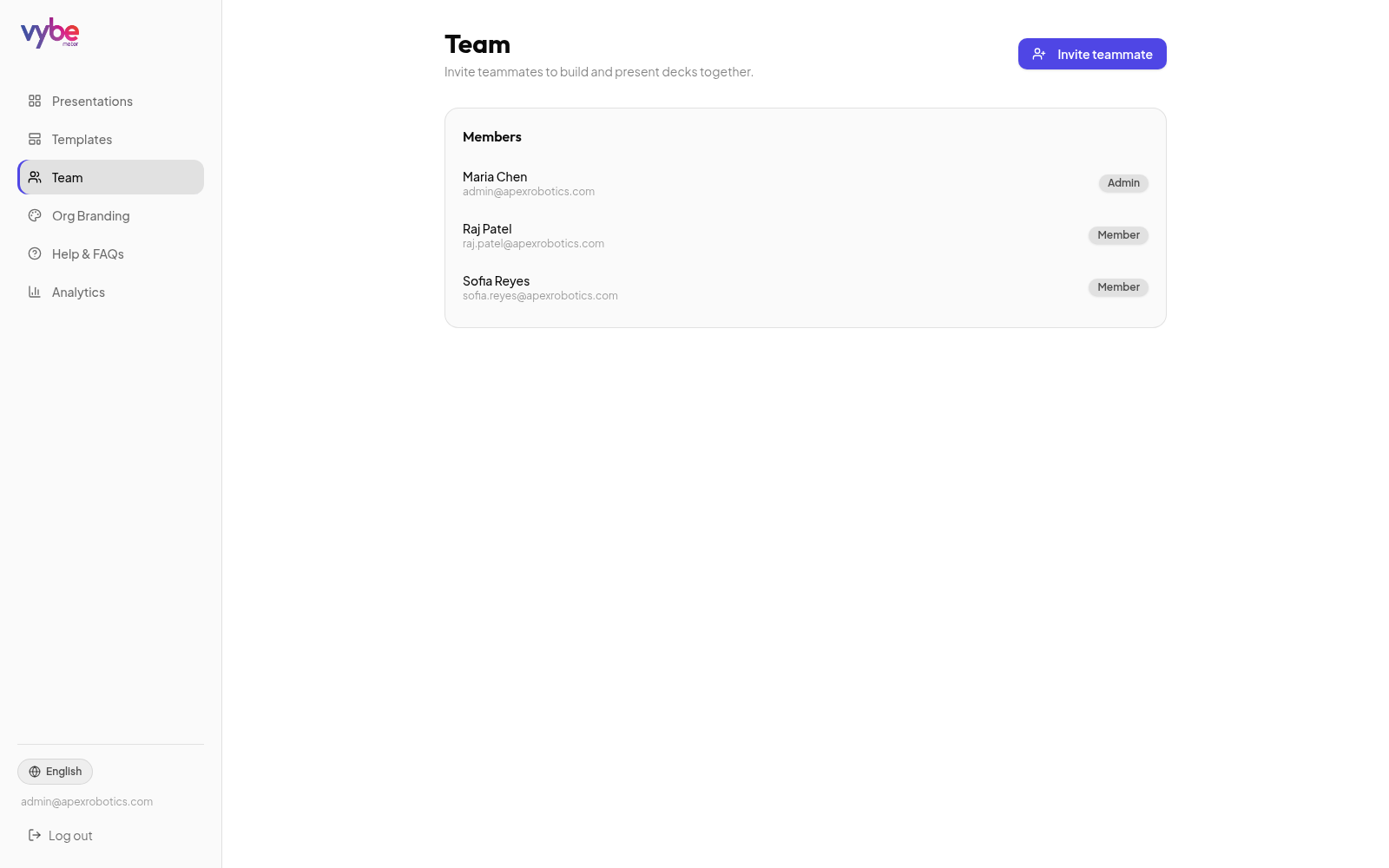
Team Invites & Roles
Invite teammates to build and present decks together under one shared organization workspace.
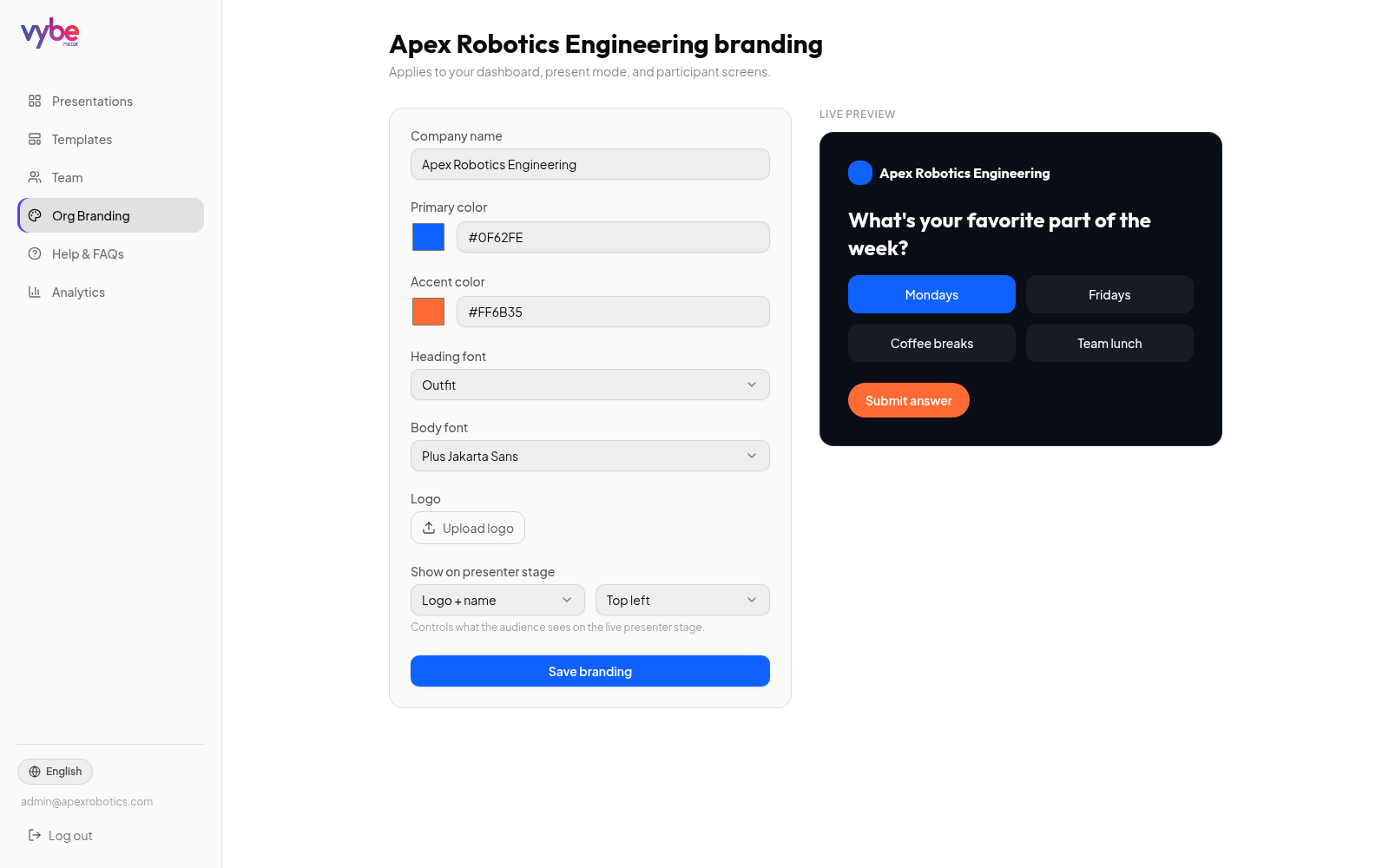
Logo, Branding & Personalization
Upload your logo, set brand colors and fonts, and preview exactly how the presenter stage will look.
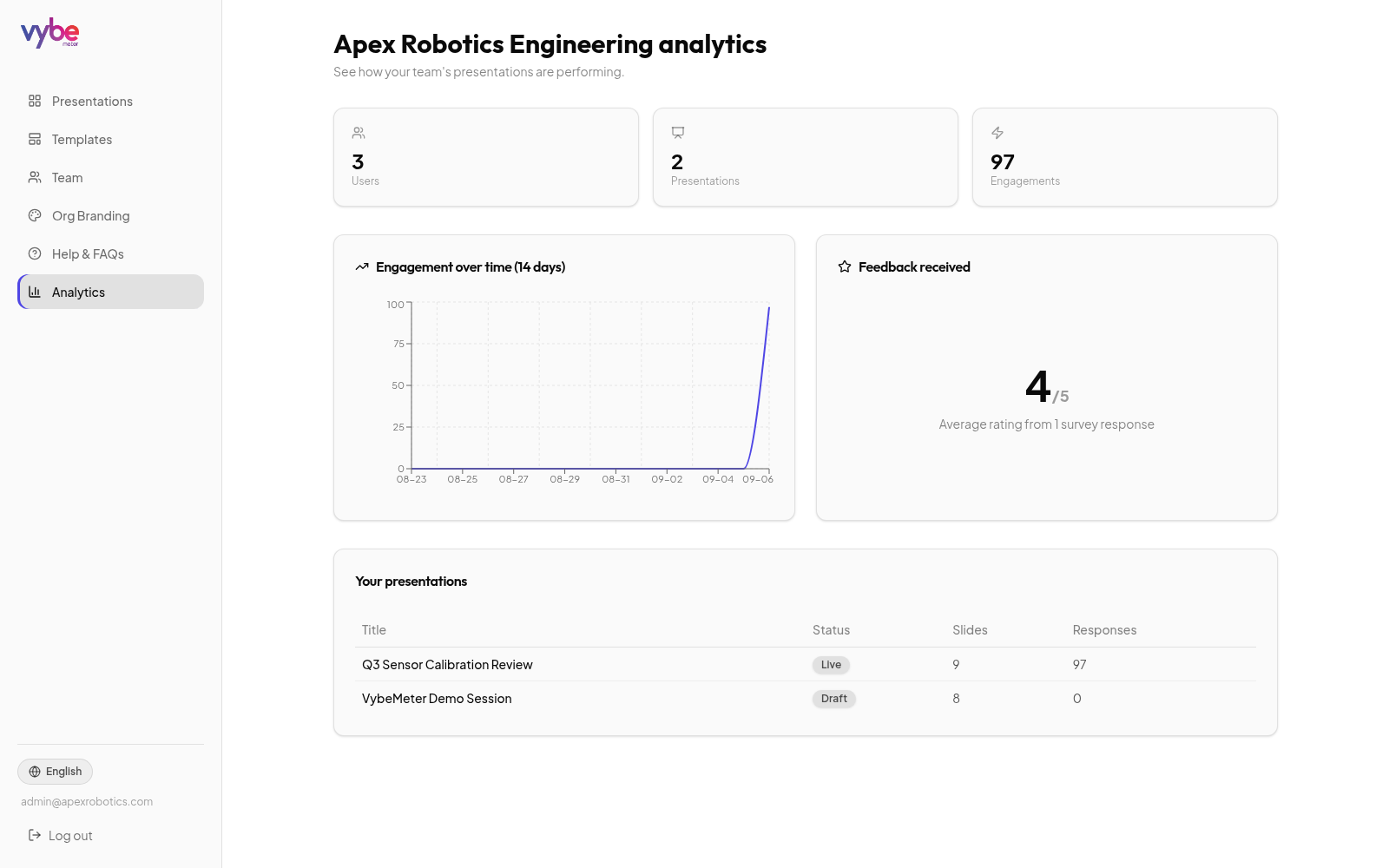
Organization Admin Analytics
Track users, presentations, and engagement trends across your whole team from one dashboard.
Watch demo video
A real walkthrough of every poll, quiz, word cloud and survey chart type — presented live on "Youth Clothing Consumer Behavior in India", our full feature-showcase deck.
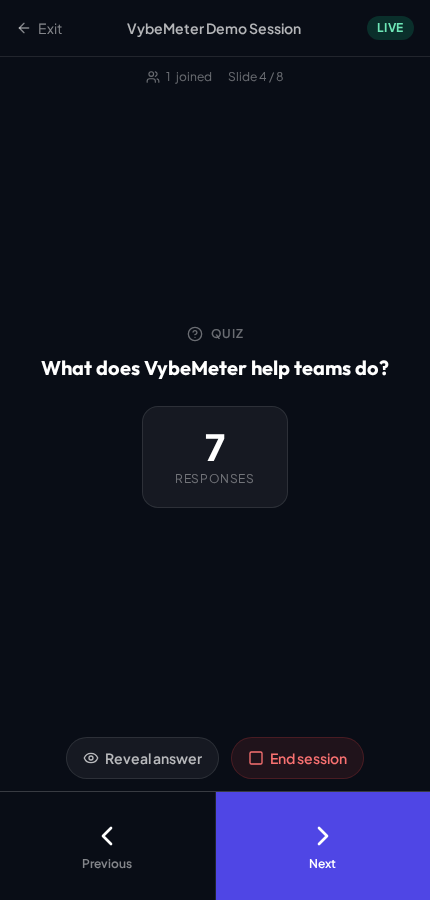
Run the whole show from your pocket.
Sign in on your phone or tablet, tap Remote on any presentation, and you're in control — walk the room while a laptop or projector shows the big screen.
- Big thumb-friendly Previous / Next buttons — no fumbling for tiny targets
- Reveal the correct quiz answer with one tap, right when the room is ready
- Start and end the session, and watch responses roll in live — all from your hand
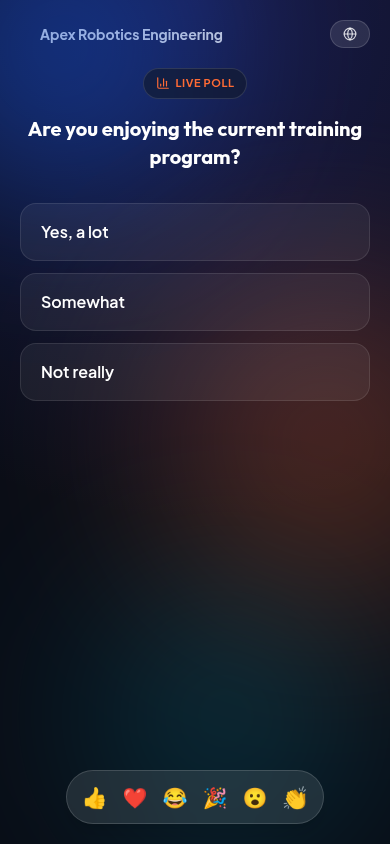
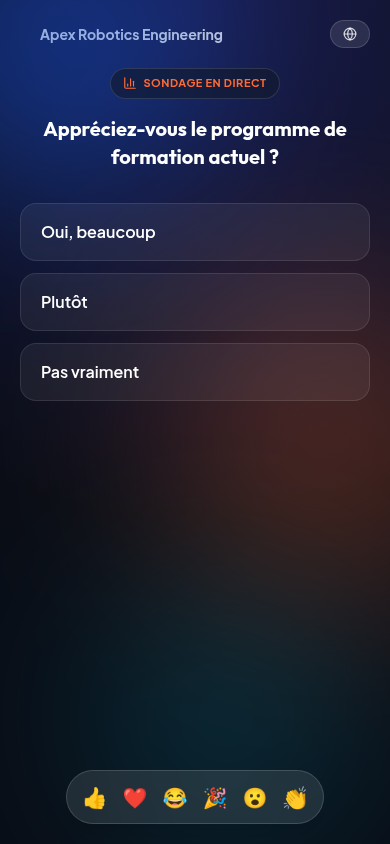
Breaking the language barriers
One tap on the language icon and the same poll — question and options — instantly appears in a participant's own language, live and in real time.
Live translation runs over the network — speed and accuracy may vary if your internet connection is slow or unstable.
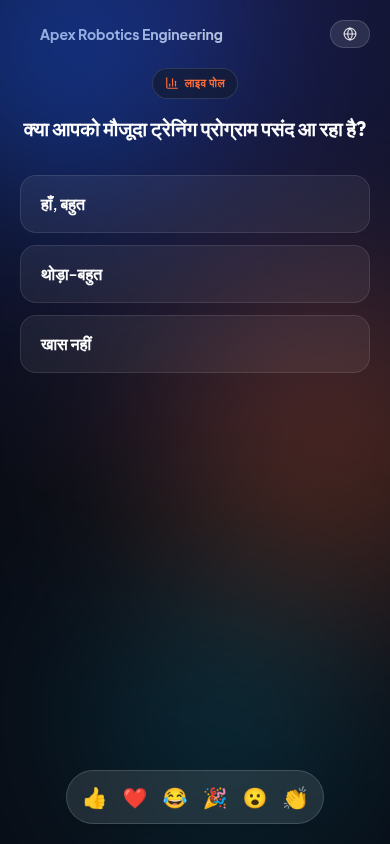
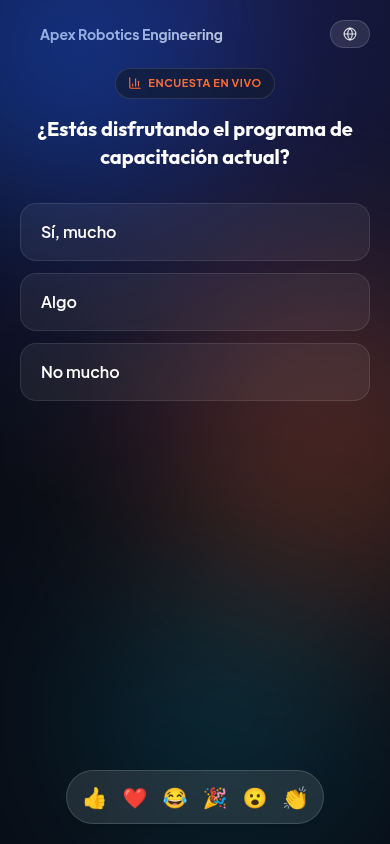

Turn live results into real decisions
Engineering and clinical teams alike run design-reviews and rounds on VybeMeter — polling the room, watching charts update in real time, and deciding next steps together while the data is still fresh on screen.
Get started freeThe big screen just got smarter
Switch languages and the presenter stage translates too — and the room gets a satisfying bell the second everyone's in.
Which topic interests you most?
Quel sujet vous intéresse le plus ?
आपको कौन सी विषय में रुचि है?
¿Qué tema te interesa más?
All aboard! Everyone answered.
Comprehensive feature catalog
Everything engineered into VybeMeter to make live polling effortless for presenters and magical for audiences.
Media Slide — Video or Photo + Question
Play a video, photo, or streamed YouTube/video link first, then reveal a poll, quiz, survey, word cloud, or open text question — moving slides always stops the media instantly.
AI Quiz Generator
Generate complete 5-question quizzes with correct answers from any topic.
AI Image Styles & Models
Generate slide art in 35 styles across 7 categories — Concept Art, 3D, Photography and more — with ChatGPT or Nano models, plus a custom prompt field.
Present From Any Slide
Jump straight into a live session starting on any slide, not just the first — same join code, freely move back and forth.
Open Text Feedback Wall
Every response lands as its own card — click to blow any one up full-screen.
AI Survey Insights
Automatic summaries surfacing sentiment and key takeaways from responses.
Speed Bonus Scoring
Award higher points for faster correct answers to drive quiz-room tension.
Live Emoji Reactions
Participants tap a reaction and it floats across the big screen in real time.
Top Reactors Leaderboard
See who sent the most reactions the instant a session ends — right alongside the quiz leaderboard.
Presenter-Screen Live Translation
Switch the presenter's own language and the live question and options translate on the big screen too, not just on phones. Requires a stable internet connection for best results.
Completion Celebration
A bell chime and animated burst greet the big screen the instant every participant has responded.
CSV Results Export
Export raw responses, timestamps, and scores — plus a per-participant breakdown naming exactly who answered what, with anonymous joiners numbered Guest 1, Guest 2...
Slide Reordering & Duplication
Drag to reorder, clone slides instantly, and reuse whole decks.
Custom Vanity Join Links
Memorable links like vybemeter.app/join/acme-q3 for friction-free entry.
Folders & Drag-and-Drop
Organize every deck into folders — just drag a presentation card to file it.
Bulk Excel Import
Download a template, fill in questions, and import a whole survey in one upload.
Custom Backgrounds
Upload your own image behind every slide on the live stage — from branded gradients to full company visuals.
Mobile Remote Control
Sign in on your phone and run the whole session — next, prev, reveal, end.
Team Invites & Roles
Invite teammates with role-based permissions under one workspace.
Org Branding Engine
Your colors, logo, and fonts apply automatically across every stage.
Editor & Viewer Sharing
Share a deck as Editor (build) or Viewer (present) — owners stay in control.
Multi-Language Support
11 languages — English, French, Hindi, Spanish, Bengali, Tamil, Telugu, Kannada, Malayalam, Punjabi, and Odia — translate live for every participant. Performance depends on a stable internet connection.
Regional Analytics Map
Auto-zooming map of every session by location, with click-to-drill-down results.
Light & Dark Workspace
Switch between a crisp light workspace and a high-contrast dark stage.
Branded Pop-out QR Code
Full-screen QR overlay in your brand colors, triggerable live on stage.
Live Slide Preview
See exactly how each slide will look on stage — question, chart, and image — updating live right inside the editor.
Launcher Screen & Countdown
A QR + meeting-ID launcher screen with a 5-second countdown gives your audience time to join before the first question appears.
Auto-Advance Slide Timer
Set slides to auto-advance after 10, 15, or 30 seconds for a fully hands-free session.
Got a feature idea, or need a hand getting set up?
Whether you want a custom feature, need help onboarding your whole team, or just have a question — our team reads every message and gets back to you fast.
Feature requests • Team onboarding • General support
Ready to make your next meeting interactive?
Get started free and explore a full demo session — polls, quizzes, word clouds and surveys, live.
Get started free